
Einführung von Boards V1, visuelles Workflow-Management in Trengo
Boards
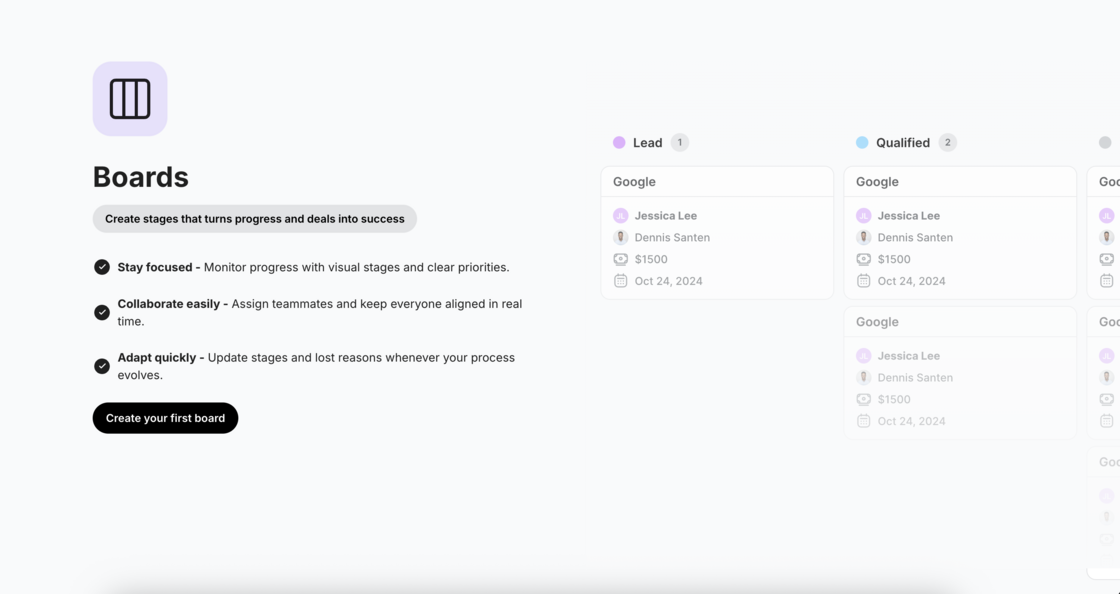
Wir haben Boards eingeführt, ein leistungsstarkes visuelles Workflow-Management-Tool, das Trengo in eine komplette Plattform für die Verwaltung von Deals, Leads, Vorfällen, Kandidaten, Buchungen und mehr verwandelt.
Boards verbindet Ihre Kommunikation direkt mit den Geschäftsergebnissen und macht das Wechseln zwischen CRMs, Tabellenkalkulationen und Projektmanagement-Tools überflüssig. Jetzt können Vertriebs-, Marketing-, Support- und Operations-Teams ihren gesamten Workflow innerhalb von Trengo verwalten.
Was Sie mit Boards tun können:
- Erstellen Sie benutzerdefinierte Boards für verschiedene Workflows (Vertriebspipelines, Lead-Qualifizierung, Vorfallsverfolgung, Kandidatenmanagement, Buchungsmanagement)
- Fügen Sie Karten hinzu und verwalten Sie diese, die Deals, Leads, Vorfälle oder jedes Element darstellen, das Sie verfolgen
- Verknüpfen Sie Unterhaltungen direkt mit Karten für den vollständigen Kontext und die Kommunikationshistorie
Passen Sie Workflow-Phasen mit Spalten an, die dem Prozess Ihres Teams entsprechen
- Weisen Sie Karten Teammitgliedern mit Fälligkeitsdaten und Prioritäten zu
- Verfolgen Sie Metriken wie Konversionsraten, Zykluszeiten und Pipeline-Wert
- Ziehen Sie Karten per Drag & Drop zwischen den Phasen, während die Arbeit voranschreitet
- Fügen Sie benutzerdefinierte Felder hinzu, um spezifische Informationen für Ihren Workflow zu erfassen
- Integrieren Sie über API, um Karten programmatisch zu erstellen, zu aktualisieren und zu löschen
Zugriff auf Boards:
Boards ist jetzt in Ihrer Hauptnavigationsleiste sichtbar. Suchen Sie nach dem Boards-Symbol, um zu beginnen, oder besuchen Sie direkt app.trengo.com/boards.
Beginnen Sie mit einer Vorlage oder erstellen Sie ein benutzerdefiniertes Board von Grund auf neu, die Wahl liegt bei Ihnen.
Erfahren Sie mehr:
Lesen Sie den Leitfaden im Help Center: https://help.trengo.com/article/boards
API-Dokumentation anzeigen: developers.trengo.com/reference/create-a-new-card