

Back to Changelog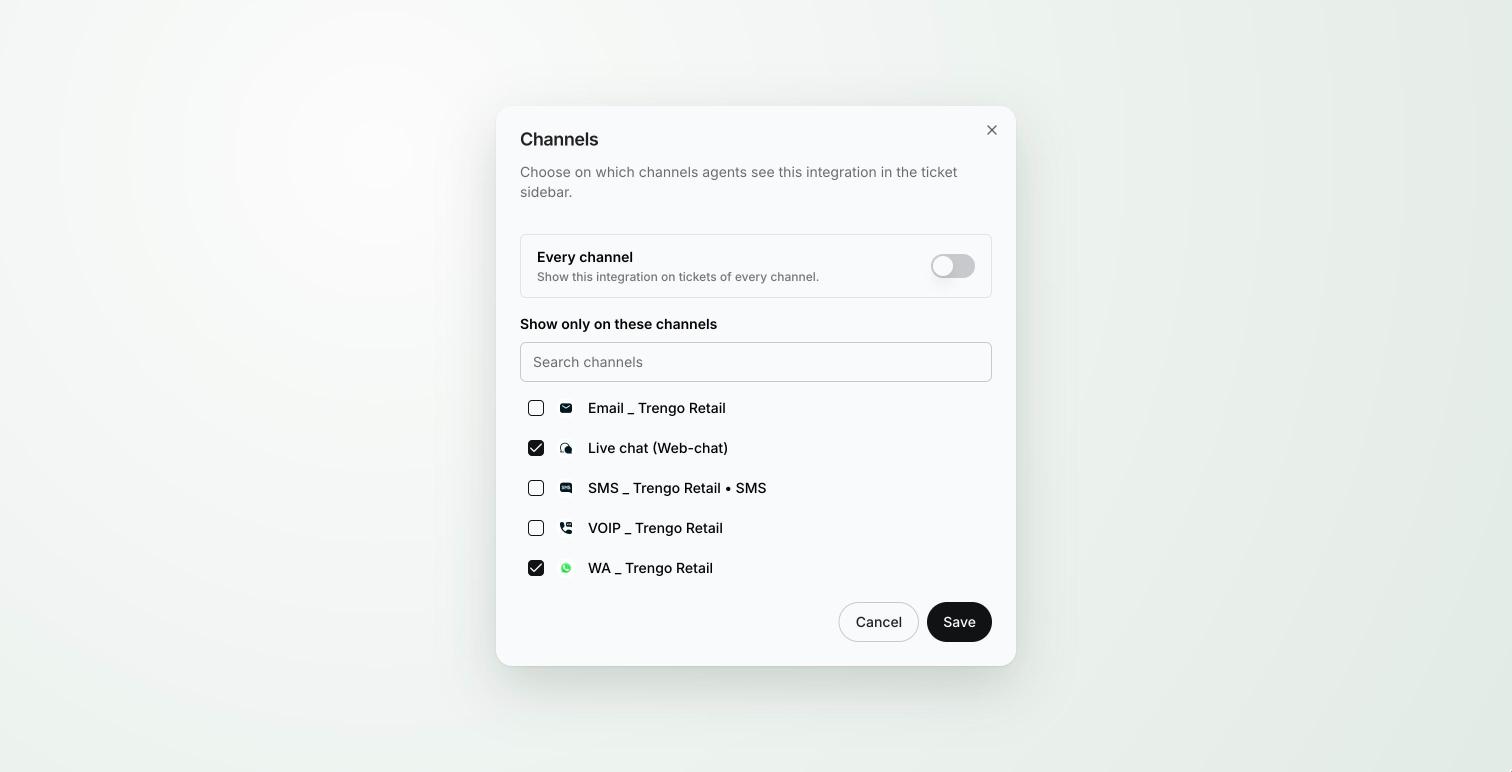
Improvement
Integration
Sidebar integrations: choose your channels
You can now pick on which channels your agents see the integration in the ticket sidebar. For example, show it on live chat and WhatsApp, and hide it everywhere else.
How to set it up: go to Settings, open Integrations and choose your integration. On the Installed tab, click the three dots next to your store and choose Channels. Turn off "Every channel" and select the channels you want.
Nothing changes until you do this. By default, integrations still shows on every channel.
Like this update? Let the team know so they get even more motivated to bring more awesome updates to you.